
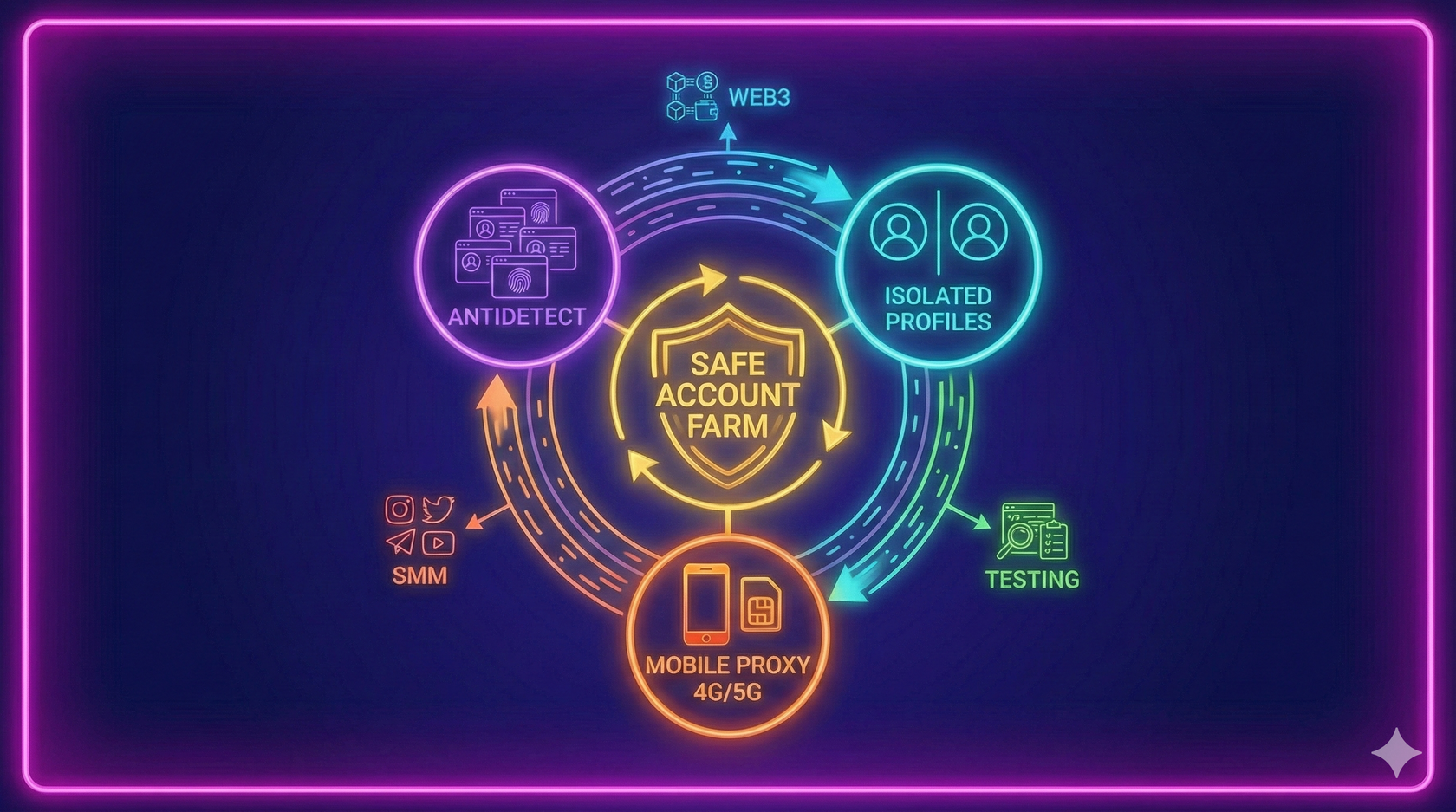
Multi-accounting means working with multiple independent accounts for product testing, validating marketing hypotheses, Web3 testnets, SMM tasks, and QA.
This guide explains how to build a safe and stable infrastructure for an account farm, configure antidetect browsers, set up mobile proxies, and work without the risk of bans.
What Is Multi-Accounting and Where It’s Used
Multi-accounting is used for:
- testing Web3/dApps and UX flows
- A/B tests and user behavior analysis
- SMM and performance marketing
- QA checks and load testing
- distributing tasks across isolated profiles
This material is intended for legal purposes only.
Bypassing KYC, manipulating activity, or engaging in fraud is strictly prohibited.
Tools for a Multi-Account Farm
For more about proxy types, see: How to Choose Proxies for Multi-Accounting: Datacenter, Residential, or Mobile
Antidetect Browsers: The Foundation of Independent Profiles
Antidetect browsers create profiles that look like separate devices with unique Canvas fingerprints, User-Agents, fonts, timezones, WebRTC settings, and more.
More about the correct setup is covered in: Antidetect + Mobile Proxies: The Best Combination for SMM, Arbitrage, and Web3
Mobile Proxies: A Key Security Element
Benefits of Estonian mobile IPs (Telia, Elisa, Tele2 🇪🇪):
- natural, human-like network behavior
- high reputation on most platforms
- no spam history
- automatic IP rotation via timer or API
- full GDPR compliance
- compatibility with AdsPower, Dolphin, GoLogin
For airdrops or testnets, see: How to Build a Multi-Account Farm for Airdrop Campaigns
How to Build a Safe Account Farm
1. Create Unique Profiles
Each account must have its own profile: fingerprints, settings, cookies.
2. Attach Mobile Proxies
1 IP = 1 profile.
More details on choosing IP types are in the proxy guide.
3. Check Fingerprints
Use tools like: whoer.net, browserleaks, creepjs
4. Keep an Account Spreadsheet
Recommended fields: email, IP, proxy type, antidetect profile, status, notes.
5. Separate Environments
Use different profiles for work, testing, and research scenarios.
Where Multi-Accounts Are Used
- Web3 testing
- Load testing
- Marketing experiments
- A/B testing
- Multi-account analytics
If you’re focused on airdrops/testnets, see the dedicated guide.
Automation (Limited)
Allowed:
- no-code macros
- wallet monitoring
- API integrations
- automatic reporting
Avoid mass automation — it leads to bans.
Security and Legal Requirements
- never mix IPs and devices
- store seed phrases offline
- be careful with real assets
- comply with GDPR
Why Users Choose MobileProxy.ee
- Real SIM-based Estonian IPs 🇪🇪
- Automatic IP rotation
- HTTPS/SOCKS5 support
- Unlimited traffic
- 24/7 technical support
- EU-based infrastructure, no logs
Conclusion
Multi-accounting is a tool for testing, analytics, and scaling.
With proper configuration, it remains safe, stable, and compliant with platform policies.


✏️️ Want to discuss something? Join our Telegram chat.
❓Questions? Check our "knowledge base" or use the contacts at the bottom of the page.