
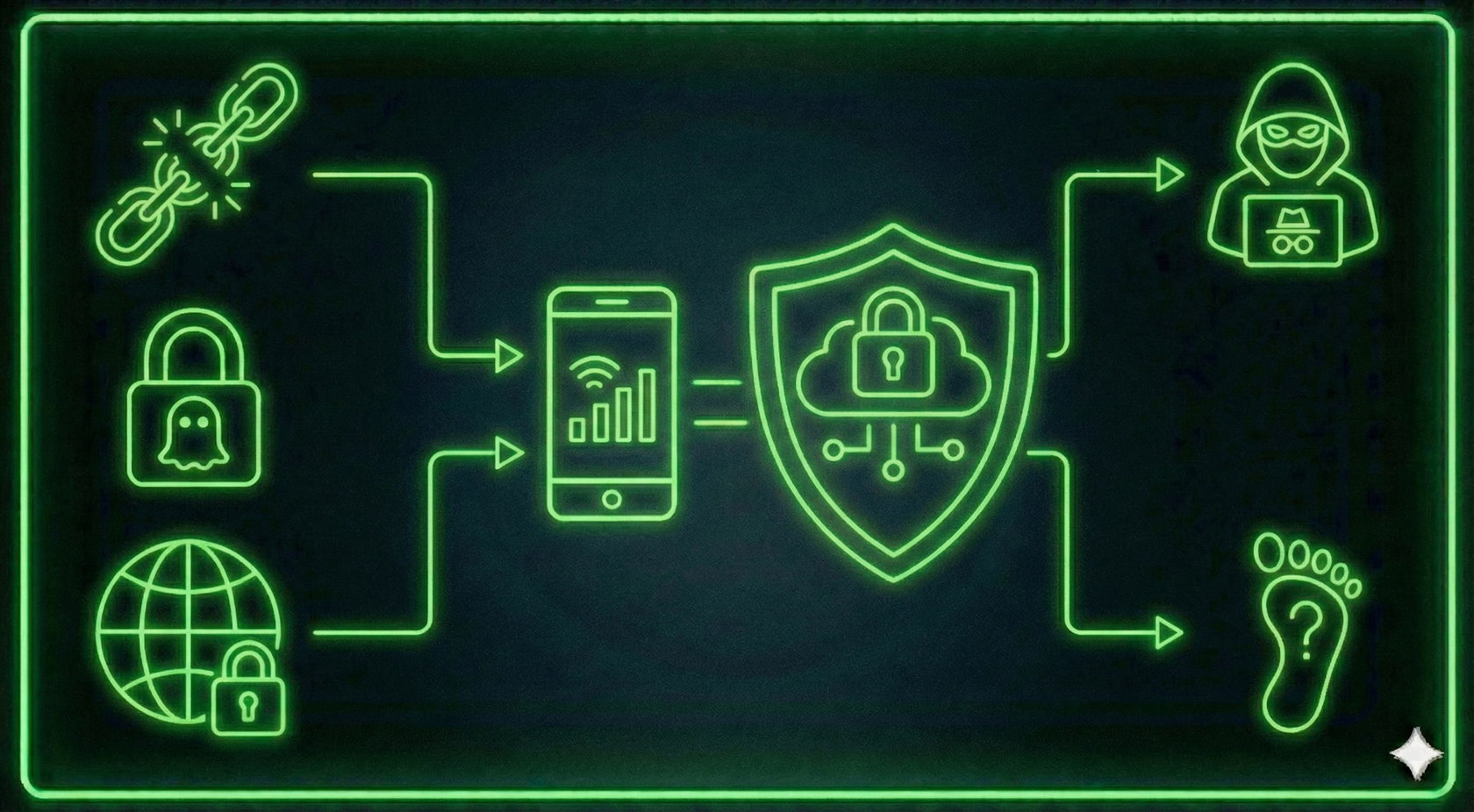
Why Online Anonymity Matters
Modern internet activity is constantly monitored:
- 🔹 websites track your actions
- 🔹 ad networks collect behavioral data
- 🔹 ISPs log browsing history
Mobile proxies solve these issues.
They use IP addresses from mobile operators, which look like genuine traffic from a real smartphone user.
How Mobile Proxies Protect You
Here is how each protection layer works:
How to Safely Use Mobile Proxies
1. Configure a Proxy in Your Browser
To hide your IP address:
1️⃣ Purchase mobile proxies at my.mobileproxy.ee
2️⃣ Install a proxy extension (Proxy Switcher or similar)
3️⃣ Enter credentials (IP, port, username, password)
4️⃣ Check your connection on whoer.net
🔥 Your real IP is now hidden.
2. Protect Yourself From Tracking & Advertising
To prevent ad networks from tracking you:
- enable Incognito mode
- disable WebRTC in your browser
- install tracker blockers (uBlock Origin, Privacy Badger)
3. Bypass Regional Restrictions
If a website is unavailable in your region:
- choose a proxy with the desired country (Estonia, Germany, USA, etc.)
- enter the proxy credentials in your browser or phone
- restart the connection — the site will open
Why Users Choose MobileProxy.ee
- ✅ Real mobile IPs from European operators
- ✅ Fast automatic IP rotation
- ✅ Support for all devices & operating systems
- ✅ Full anonymity and stable connectivity
👉 Try it now: MobileProxy.ee — secure mobile proxies for your privacy.


✏️️ Want to discuss something? Join our Telegram chat.
❓Questions? Check our "knowledge base" or use the contacts at the bottom of the page.