
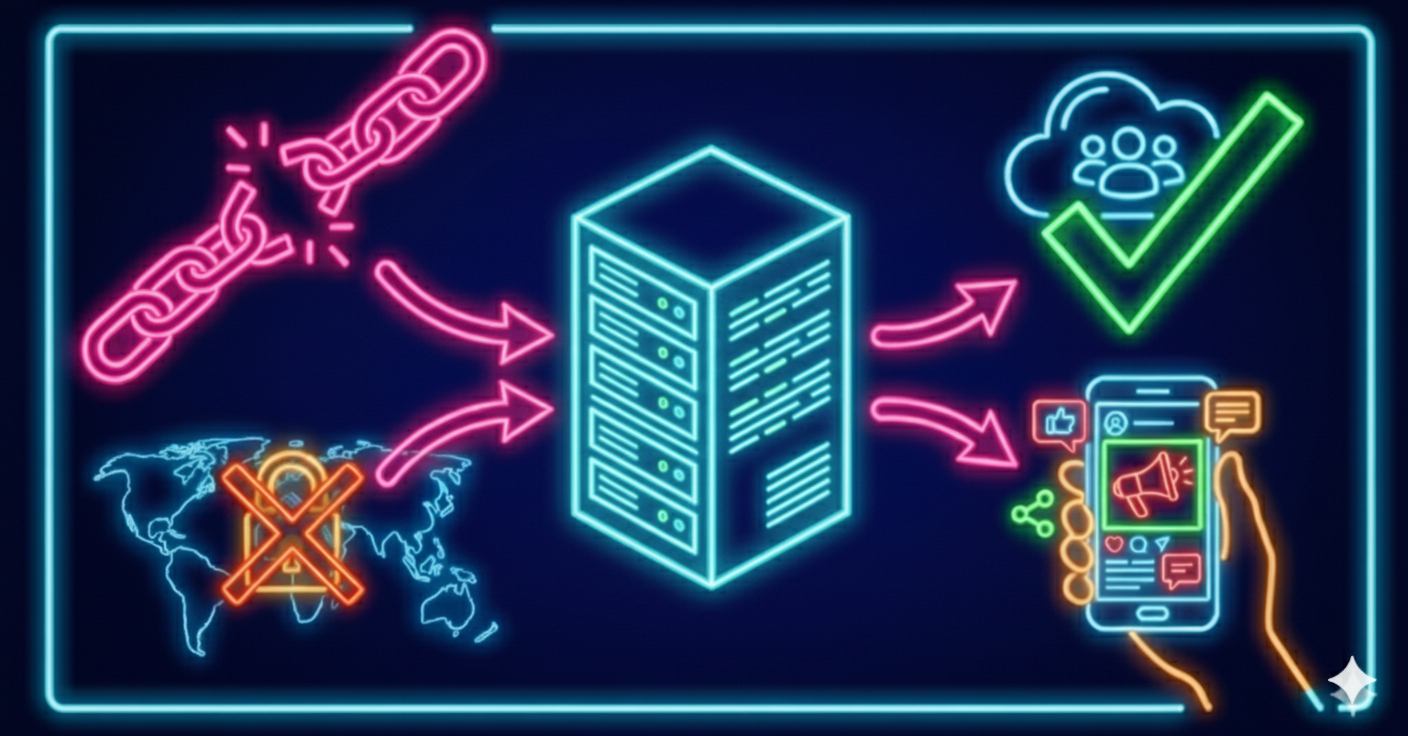
When the number of requests gets high, websites enable protection mechanisms:
- rate limiting
- CAPTCHAs
- IP bans
- adding your IP to blacklists
To keep your scraper running, you must correctly configure proxies, delays, concurrency, and IP rotation.
This article is a practical guide to resilient scraping without bans.
Why Regular Proxies Get Blocked
Datacenter proxies:
- look suspicious to many platforms
- often appear in spam and abuse databases
- rarely change IPs dynamically
- are easily detected by Cloudflare / Incapsula / Antibot systems
Mobile proxies have a key advantage: their IPs are used by real mobile devices.
Regular Proxies vs Mobile Proxies
How to Use Mobile Proxies Without Getting Banned
1️⃣ Configure Proxies in Your Scraping Tools
Mobile proxies work well with:
- Screaming Frog
- Selenium
- Octoparse
- ParseHub
- Playwright / Puppeteer
Steps:
- Purchase proxies at my.mobileproxy.ee
- Enter IP, PORT, username, and password in your tool
- Set auto-rotation every 5–10 minutes
- Save the connection profile
2️⃣ Add Delays Between Requests
Recommended settings:
- 2–5 seconds between requests — safe default
- 0.5–1 second — if you use a large proxy farm
- 5–10 seconds — for heavily protected websites (Cloudflare, etc.)
3️⃣ Use Concurrency Wisely
To speed up data collection:
- buy several mobile IPs
- distribute threads across proxies
- avoid more than 5 simultaneous threads per IP
Where Mobile Proxies Are Used for Protected Scraping
✔ Search engines: Google / Yandex / Bing — easier to avoid CAPTCHAs
✔ Marketplaces: WB, Ozon, Amazon, Alibaba
✔ Social networks: Instagram, TikTok, Telegram
✔ Scraping reviews, product pages, prices, competitor data
Why Users Choose MobileProxy.ee
- real mobile networks: Telia / Elisa / Tele2
- GDPR-compliant European infrastructure
- IP auto-rotation via timer and API
- high stability
- compatible with all scrapers and bots

✏️️ Want to discuss something? Join our Telegram chat.
❓Questions? Check our "knowledge base" or use the contacts at the bottom of the page.