
Table of Contents
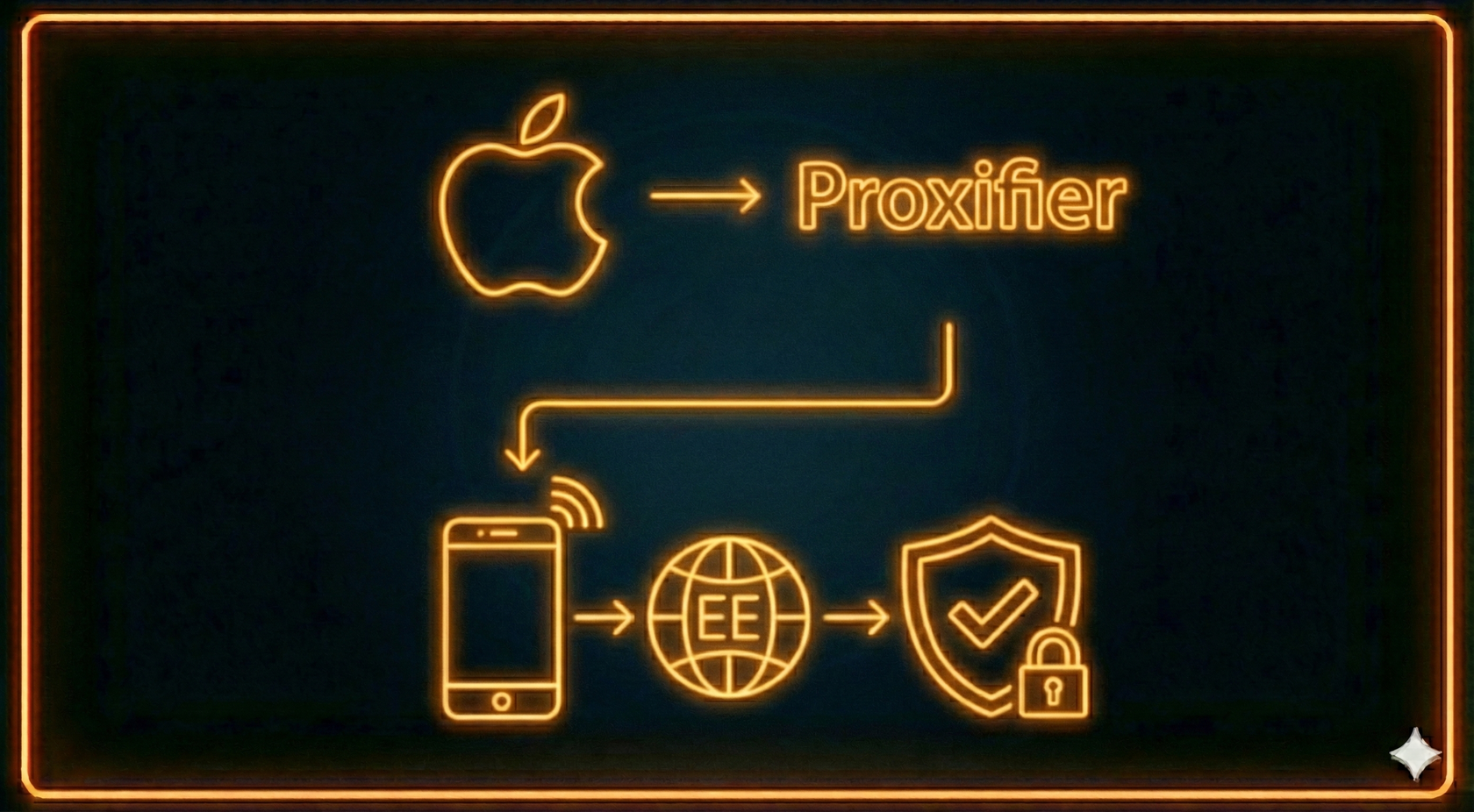
Proxifier is a program for redirecting internet traffic through proxy servers. It supports SOCKS and HTTP(S) protocols, allows flexible routing rules, and is ideal for: bypassing blocks, working anonymously online, testing applications and ads, automation and parsing.
In this article, we’ll show you how to configure Proxifier on macOS to work with mobile proxies from mobileproxy.ee.
In this article, we’ll show you how to configure Proxifier on macOS to work with mobile proxies from mobileproxy.ee.
Installing Proxifier on macOS
- Go to the official Proxifier website and download the macOS version.
- Open the downloaded .dmg file and move Proxifier to the Applications folder.
- Launch the program and confirm the installation of system extensions.
- If you have a license key, activate it. The free version is limited (you cannot save settings).
Getting mobile proxies from mobileproxy.ee
- Register at mobileproxy.ee.
- Choose a pricing plan and pay for access.
- In your personal account, you will receive connection details:
- IP address and port
- Login and password
- A link for changing IP
We provide:
- HTTP(S) proxies — suitable for browsers and most applications.
- SOCKS5 proxies — a universal protocol with TCP and UDP support.
Configuring Proxifier to work with mobileproxy.ee
Adding a proxy server
- In Proxifier, open: Profile → Proxy Servers.
- Click Add and enter the data:
- Address: proxy IP
- Port: port number
- Protocol: SOCKS5 or HTTPS
- Enable authentication and enter your login/password.
- Click Check — if the status shows Working, the proxy is active.
Creating routing rules
Proxifier allows flexible traffic control:
Steps:
- Redirect only specific applications (e.g., a browser or Telegram).
- Exclude local addresses and trusted websites.
Steps:
- Go to Profile → Proxification Rules.
- Delete the Direct rule if you want all traffic to go through the proxy.
- Add a new rule:
- Name: “Through mobileproxy.ee”
- Applications: Any or select the apps you need
- Target hosts: Any or specify domains
- Action: select the added proxy
Save changes.
Checking functionality
Go to 2ip.ru and make sure your IP address has changed.
Additional features of Proxifier
- Proxy Chains — sequential use of multiple proxies.
- Logging — useful for traffic analysis.
- DNS through proxy — prevents leaks and hides real DNS requests.
Why choose mobileproxy.ee
- Real mobile IP addresses — appear as traffic from real users, fewer blocks.
- Automatic IP rotation — by timer or on demand.
- High speed and stability — low ping and reliable connections.
- Flexible pricing plans — suitable for business and personal use.
- Unlimited traffic — you only pay for the period, with no data limits.
Conclusion
Proxifier is a convenient tool for proxying traffic on macOS (and other platforms). Together with mobile proxies from mobileproxy.ee, you get a reliable and anonymous solution for working online.


✏️️ Want to discuss something? Join our Telegram chat.
❓Questions? Check our "knowledge base" or use the contacts at the bottom of the page.